
By David Ferring · Digitize DFW · Flower Mound, TX
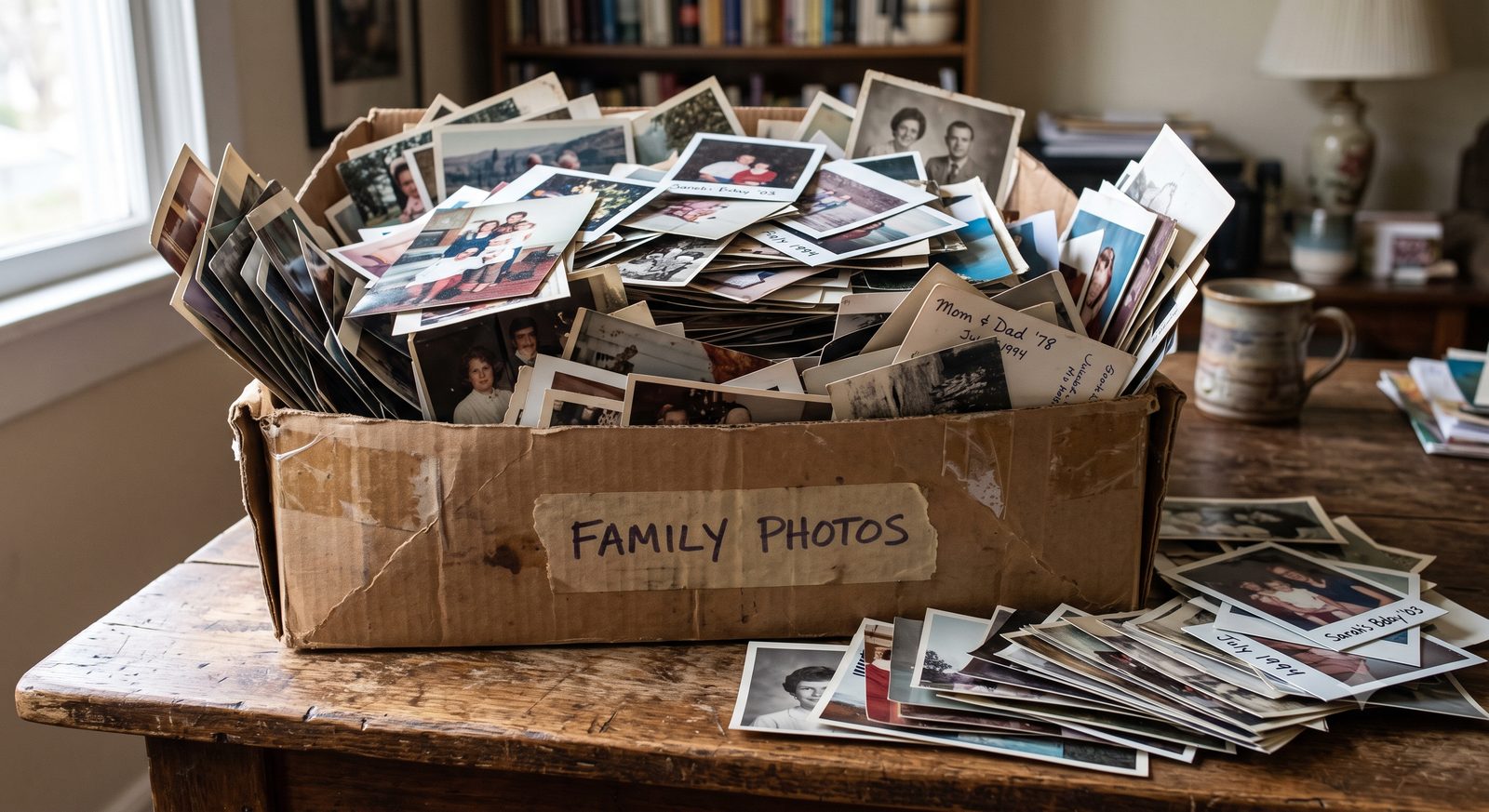
Almost every family has one: a shoebox (or three) of loose photos tucked in a closet. Here is a simple plan from David Ferring at Digitize DFW to turn that box into organized digital memories your whole family can enjoy.
Step 1: Gather, don't over-sort
Resist the urge to sort every photo first — it is the biggest reason the box never gets done. Just gather them together. A standard shoebox holds up to about 1,000 photos, which is plenty of room.
Step 2: Decide standard or enhanced
Standard scanning gives you a faithful digital copy of each photo. Enhanced adds AI color, contrast, and brightness correction for faded prints — and you keep both versions. See photo scanning for details.
Step 3: Bring it to someone local
Your originals are irreplaceable, so hand them to a neighbor, not a warehouse. Digitize DFW handles everything locally in Flower Mound — drop off or David picks up — and your photos are never shipped away or mixed with anyone else's. (More on that in Is It Safe to Mail Your Family Photos?)
Step 4: Enjoy and share
You get your originals back plus files on an engraved keepsake drive. Want them ready to watch without any tech hassle? Easy Street sets them up on your TV, computer, or a digital frame.
Curious what it runs? See how much photo digitizing costs in DFW or our pricing page.